
Download PictureRiver – screensaver, image slideshow, personal slideshow, photo display, customizable screensaver, image effects, transition effects, plugin support
Overview
PictureRiver is a mobile application designed to transform your smartphone or tablet into a dynamic visual canvas by turning personal images into a customizable screensaver. The app enables users to curate a personalized slideshow from their photo library, making it ideal for individuals who want to display cherished memories, scenic views, or artistic images in a continuous, visually engaging format. Whether used during idle time at home, in a shared office space, or as a digital photo frame, PictureRiver enhances the visual experience by offering control over content, timing, and presentation style.
Its core purpose is to replace generic, static screensavers with a living gallery that reflects the user’s personality and preferences. The app is particularly useful for those seeking a creative way to revisit personal moments or showcase aesthetic collections without the need for complex software. Developed by PictureRiver Inc., the app has been available since 2012, indicating a long-standing presence in the productivity and personalization space.
While the developer did not provide additional technical details, the app’s longevity suggests a stable and functional user experience. PictureRiver fits into the broader mobile ecosystem as a lightweight utility tool that bridges the gap between digital memory preservation and daily device interaction.
Key Features & Functionality
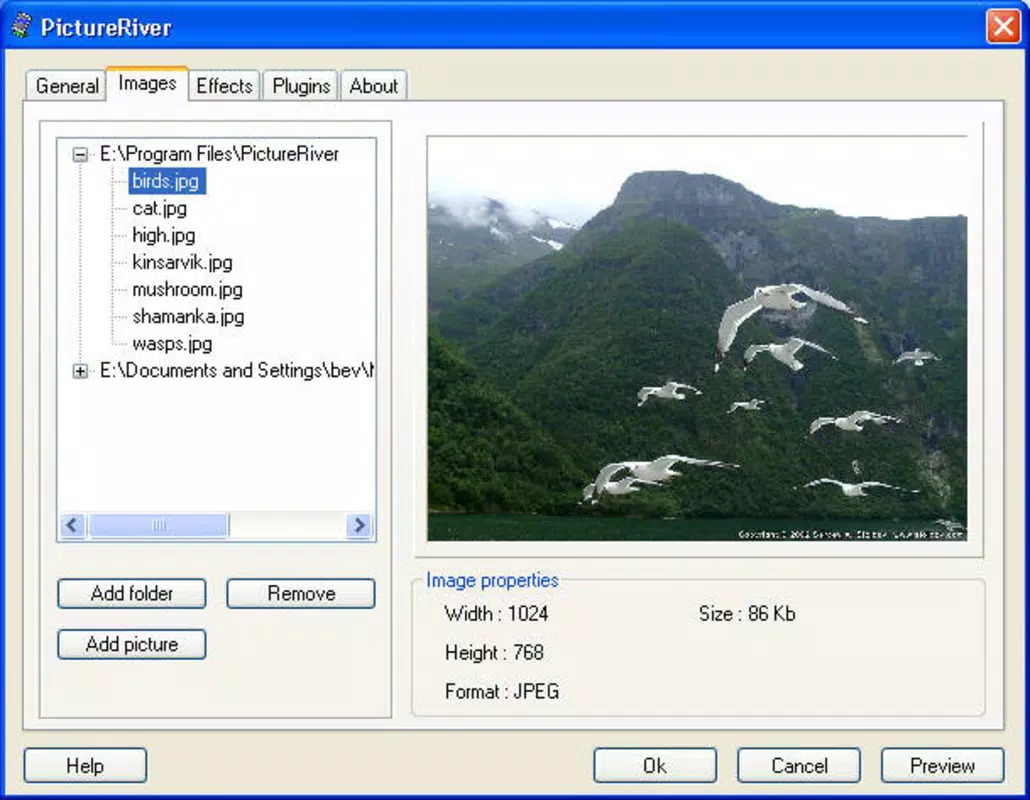
- Custom Image Selection: Users can choose any images from their device’s gallery to include in the slideshow, ensuring that only meaningful or visually appealing photos are displayed. This feature supports personal storytelling through visuals, allowing users to highlight family moments, travel adventures, or artistic collections.
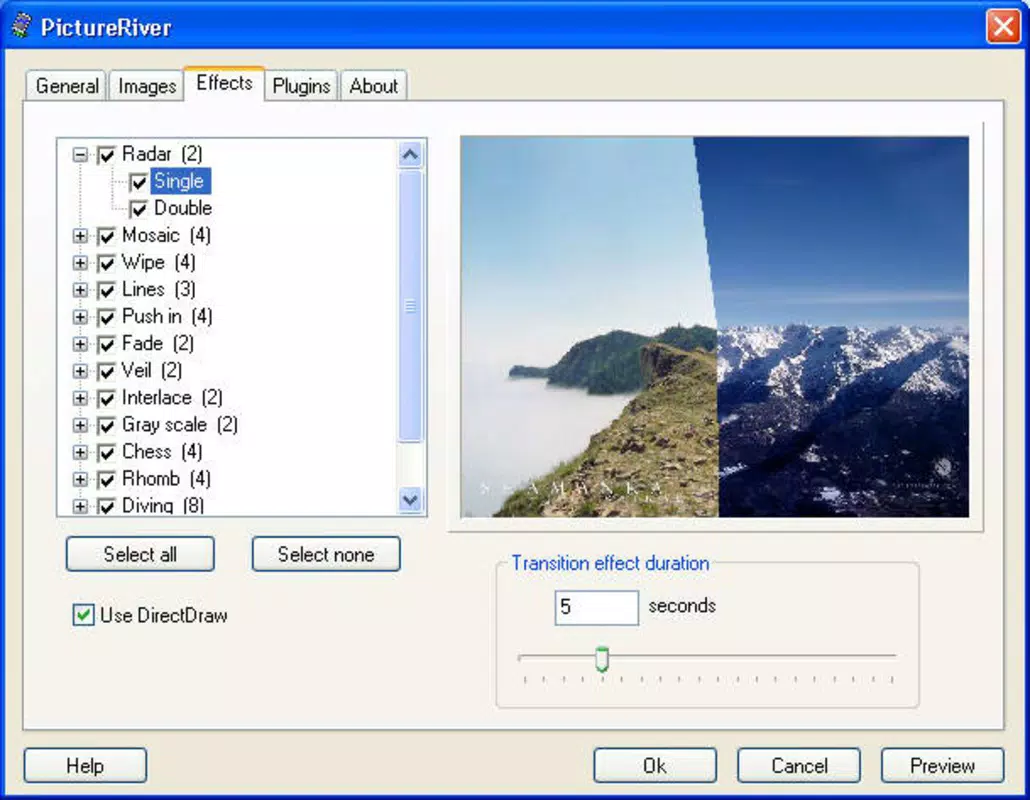
- Adjustable Transition Effects: The app provides multiple transition styles between images, such as fade, slide, or zoom, with customizable timing and duration. This allows users to fine-tune the pacing of the slideshow to match their mood or aesthetic preference.
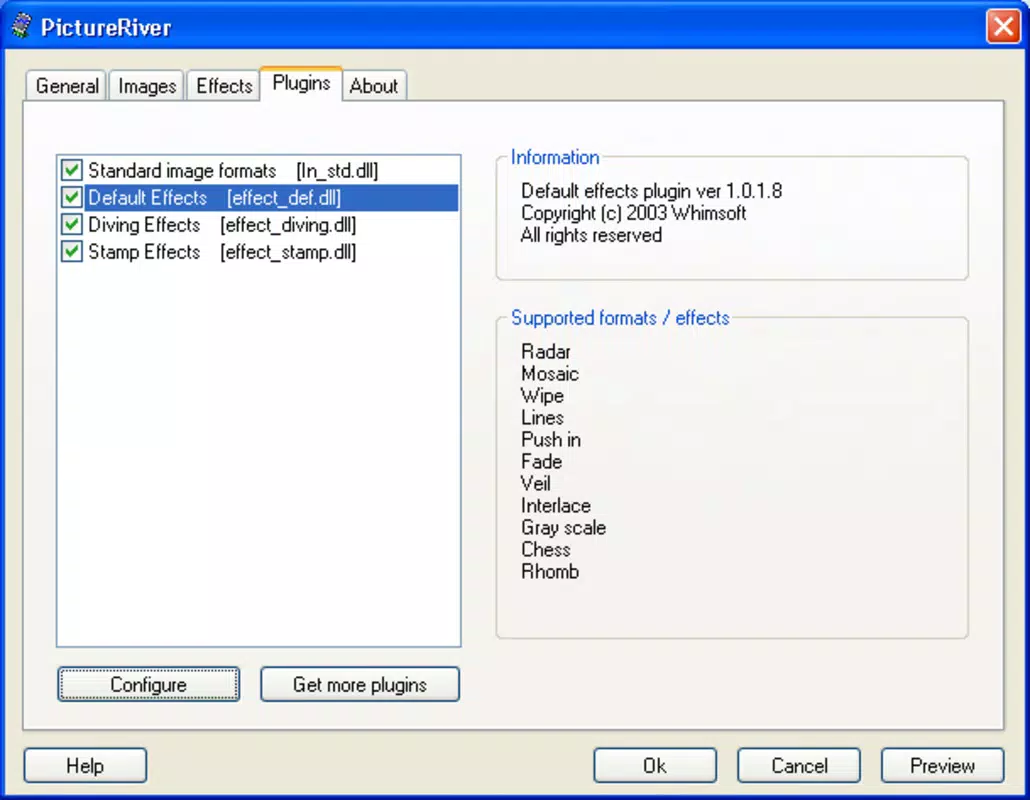
- Plugin Support for Effects: PictureRiver includes an extensibility feature through plugins, enabling users to enhance the visual experience with additional effects or animations. This modular approach supports ongoing customization and adaptation to evolving user tastes.
- Easy Setup Process: The application is designed for simplicity, with a streamlined onboarding process that guides users through selecting images, choosing transitions, and activating the screensaver without requiring technical expertise.
- Convenience and Creativity: By combining functionality with expressive design, PictureRiver empowers users to create a unique visual experience that serves both practical and emotional purposes, such as reminding them of loved ones or showcasing personal creativity.
Interface, UX & Performance
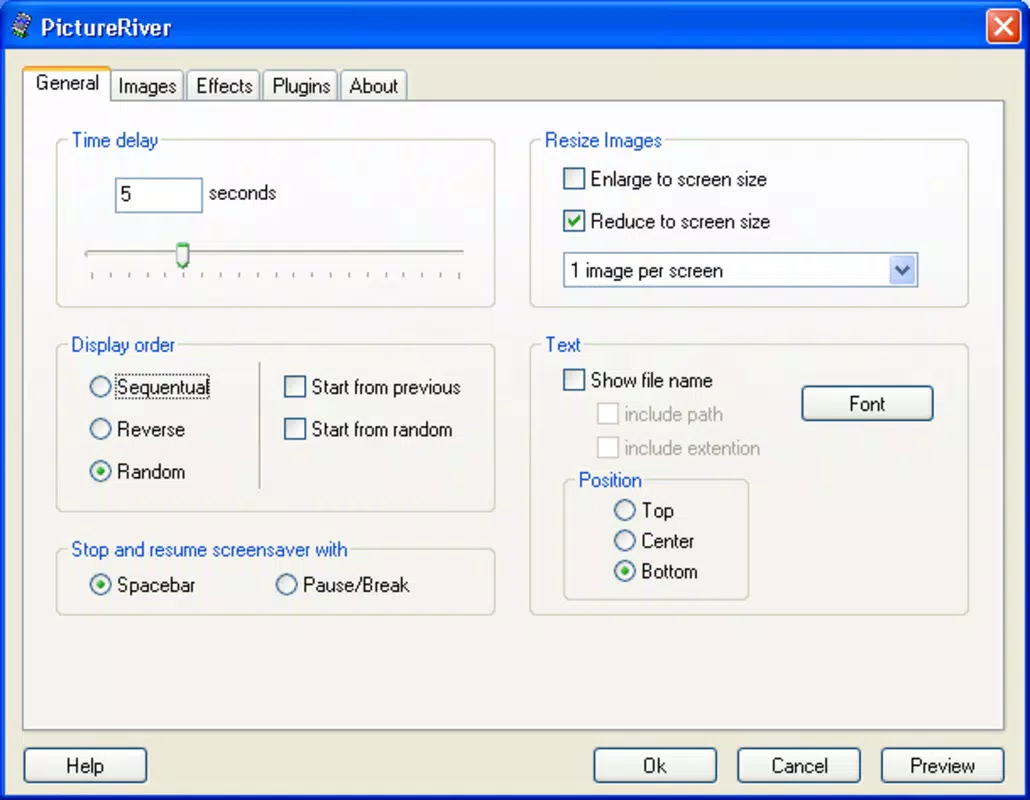
PictureRiver features a clean, intuitive interface that prioritizes ease of use and visual clarity. The layout is organized around core functions—image selection, transition settings, and playback control—ensuring users can navigate the app with minimal effort. Visual elements are minimal and purposeful, focusing on the images themselves rather than distracting design.
Navigation is linear and consistent, allowing users to move from setup to playback seamlessly. The app responds promptly to user inputs, with transitions between screens being smooth and reliable. Although the developer did not list formal performance metrics, the app’s lightweight size of 4.2 MB suggests efficient resource usage, which likely contributes to stable operation across a range of Android devices.
Responsiveness appears consistent, with minimal lag during image loading and transition execution. Stability is supported by the app’s long availability since 2012, indicating that core functionality has been maintained over time. While specific compatibility details were not provided, the app’s design suggests broad compatibility with mainstream Android devices.
Overall, the user experience is optimized for accessibility, making it suitable for users of varying technical skill levels.
Platform Compatibility & Technical Requirements
PictureRiver is available exclusively on the Android platform. The current version is 1.2.1, and the app occupies 4.2 MB of storage space. The developer did not specify minimum OS requirements or device compatibility details.
As such, users should ensure their device supports the app’s functionality through standard Android app installation. The app is offered at no cost, making it accessible to a wide audience. While the developer did not provide information on required hardware specifications, the compact file size suggests it is optimized for devices with limited storage.
Users should verify compatibility with their specific device model and Android version before installation. The lack of detailed technical information means that potential users should rely on standard app store compatibility checks when installing.
Pros and Cons
Pros
- Free to download and use, offering accessible personalization without cost.
- Lightweight size (4.2 MB) ensures minimal storage impact.
- Intuitive interface suitable for users of all technical levels.
- Supports custom image selection for deeply personalized content.
- Offers adjustable transition effects to enhance visual flow.
- Plugin support enables future expansion and creative customization.
Cons
- Specific OS version requirements were not disclosed.
- Compatibility with older or newer Android devices is not confirmed.
- No information on background performance or battery usage.
- Plugin availability and functionality were not detailed.
- Updates or developer support history is not publicly documented.
FAQ
Is PictureRiver safe to install on my Android device?
Yes, the app is available through official Android channels and has been in use since 2012. As with any third-party app, ensure installation from trusted sources to maintain device security.
Can I use PictureRiver without an internet connection?
Yes, the app functions fully offline. All image processing and slideshow playback occur locally on the device, requiring no ongoing internet access.
Does PictureRiver support video files?
Based on the provided information, the app is designed for image files only. No mention was made of video playback support.
How do I update PictureRiver?
Updates are typically delivered through the Google Play Store or the developer’s official distribution channel. Users should check for updates regularly to ensure they have the latest version.
Can I use plugins from third parties?
PictureRiver includes plugin support, but the availability and compatibility of third-party plugins were not specified. Users should obtain plugins from trusted sources to avoid compatibility or security issues.
Final Thoughts + CTA
PictureRiver stands out as a thoughtful, lightweight tool for users who value personal expression through digital imagery. Its ability to transform static photos into a dynamic, customizable screensaver offers both emotional resonance and aesthetic appeal. The app’s simplicity, combined with features like adjustable transitions and plugin support, makes it a versatile choice for anyone seeking a unique way to display their memories or art.
While some technical details remain undisclosed, the app’s enduring presence since 2012 speaks to its reliability and core functionality. For those looking to elevate their device’s idle experience with a personalized visual narrative, PictureRiver delivers clear value. It’s an ideal solution for families, creatives, and anyone who wants their smartphone or tablet to reflect their personal story.
Download PictureRiver now.


